
How to Search Cases by Name
A Watauga County case lookup starts online. The direct route is the North Carolina eCourts Portal. Its Smart Search tool takes either a case number or a party name. Names are the fuzzier input. Narrow the query to Watauga when you know the location. Then apply the case-type, status, and filing-date filters on offer. Type the least you need to reach one specific public matter. Keep perspective: a broad name search in Watauga County does not prove that every row returned belongs to the same person or reflects a current legal status.
- Open the Portal and select Smart Search. Choose a case-number search when a number is already known from a notice or lawful file.
- For a name search, enter only the party information needed for the public matter, then set Watauga as the location when that county is correct.
- Narrow the Watauga County case lookup with case type, case status, and a filing-date range before treating a result list as useful.
- Open the matching Case Summary or Register of Actions and compare the location, case type, status, events, hearings, and disposition fields.
- Check the official notice or Clerk when a court date, attendance instruction, or exact document is material. A search result is not the final word on any of those points.
The official field inventory backs these Smart Search controls. Dates of birth are masked in public display, and restricted cases stay out of ordinary public results.
| Field Label | Type | Required | Notes |
|---|---|---|---|
| Case Number or Party Name | Text query | One basic query path | Use a public case number when available; party searching needs careful narrowing. |
| Location | Location filter | Available in advanced search | Select Watauga only when the notice, case number, or court location supports it. |
| Case Type and Status | Filter controls | Optional | Useful for reducing common-name results and reading administrative status labels in context. |
| Filing Date Range | Date filter | Optional | Use a focused range when the approximate filing period is known. |
Watauga County Smart Search Filters
Smart Search in Watauga County stops at 200 results. Treat a list of 200 as a ceiling. It is not a complete roster, so narrow the query instead. The official FAQ allows a case-number query with at least four characters followed by an asterisk. A business or nickname query takes at least four characters followed by an asterisk. A surname query takes at least three characters followed by an asterisk. Those are search aids. They are not a license to build a profile of a private person.
Anonymous public access is free. An account lets you save matters under My Cases. But it grants no extra public-record reach. Elevated access is a separate verified process reserved for business or statutory authority. When a search comes up empty, recheck spelling first. Then check the case-number format, the date range, and the county before assuming a lawful restriction.
The Portal training source is the official starting point. It covers the Watauga County case lookup interface and its terminology.
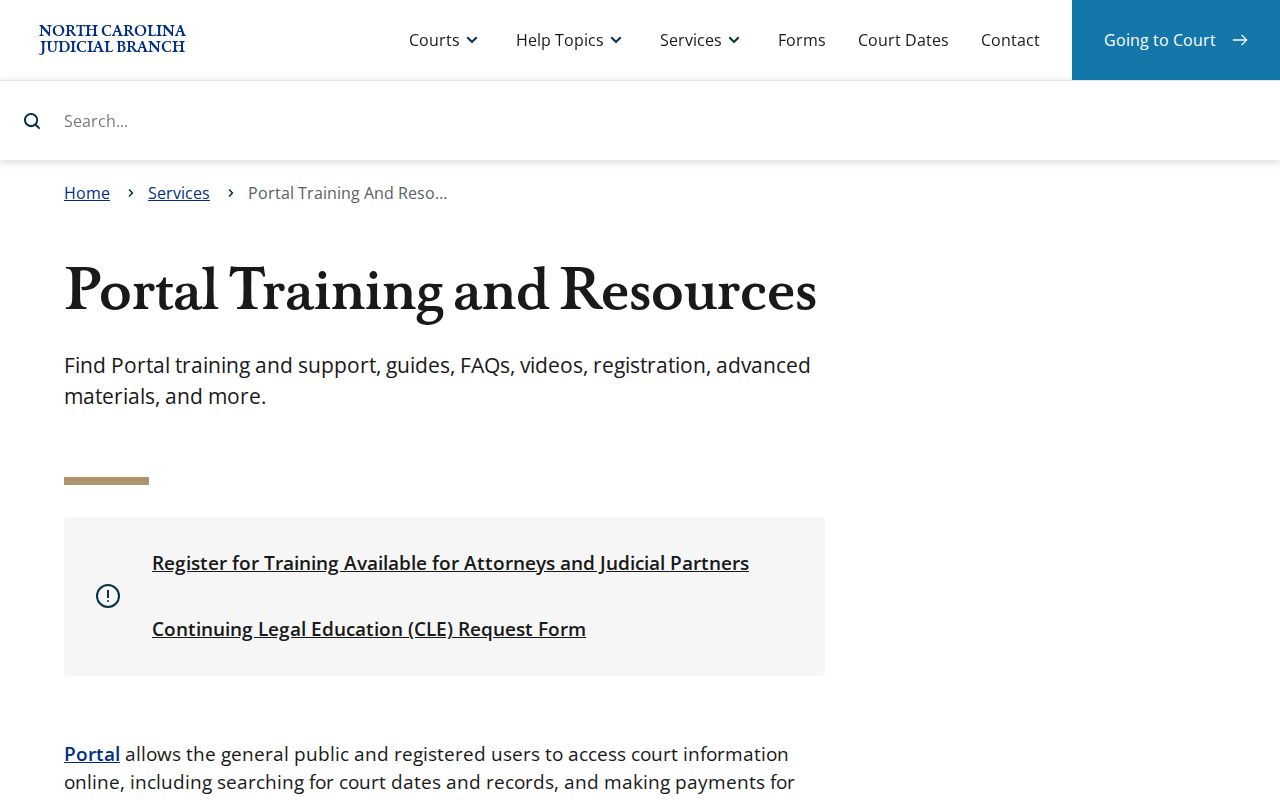
Portal guidance describes near-real-time public case information organized around both Case Summary and Register of Actions. Read the displayed status as an administrative label at that moment. It is not a forecast, and later entries can change the picture.
How to Search by Case Number
A case number is the sharpest input for a Watauga County case lookup. That is especially true for one already printed on a notice or public court document. eCourts numbers in North Carolina carry four parts. These are a two-digit year, a letter case-type code, a six-digit sequence, and a three-digit county identifier. The official Portal FAQ points to 21CR000003-910 purely as a format illustration. It is not a Watauga case result.
Enter the number exactly as the notice shows it. Include the letter code and county suffix. The code hints at the case category. But the Portal's own case type and status fields still deserve review. If a known number returns nothing, check the characters first. Then check the Watauga County filing and date context. A blank can also mean restricted access, expunction, sealing, delayed indexing, remote-access limits, or a migration issue.
Watauga County eCourts Migration
Watauga County joined eCourts on July 21, 2025. The official launch notice lists the county in the Track 9 group. It also describes the arrival of the Portal, electronic payment options, and electronic filing. By October 13, 2025, North Carolina reported statewide eCourts completion. That timeline explains why a Watauga County case lookup now runs through one common statewide Portal. It replaced any county-built search site.
Older case events can carry conversion artifacts. Portal guidance for Watauga County warns about a historical event converted before go-live. It may display a 12:00 a.m. timestamp. Do not treat that time as evidence of when a filing or hearing actually happened. When exact timing matters, rely on a notice, an available public document, or confirmation from the Clerk.
The File & Serve source documents the separate electronic-filing service used where filing is required.
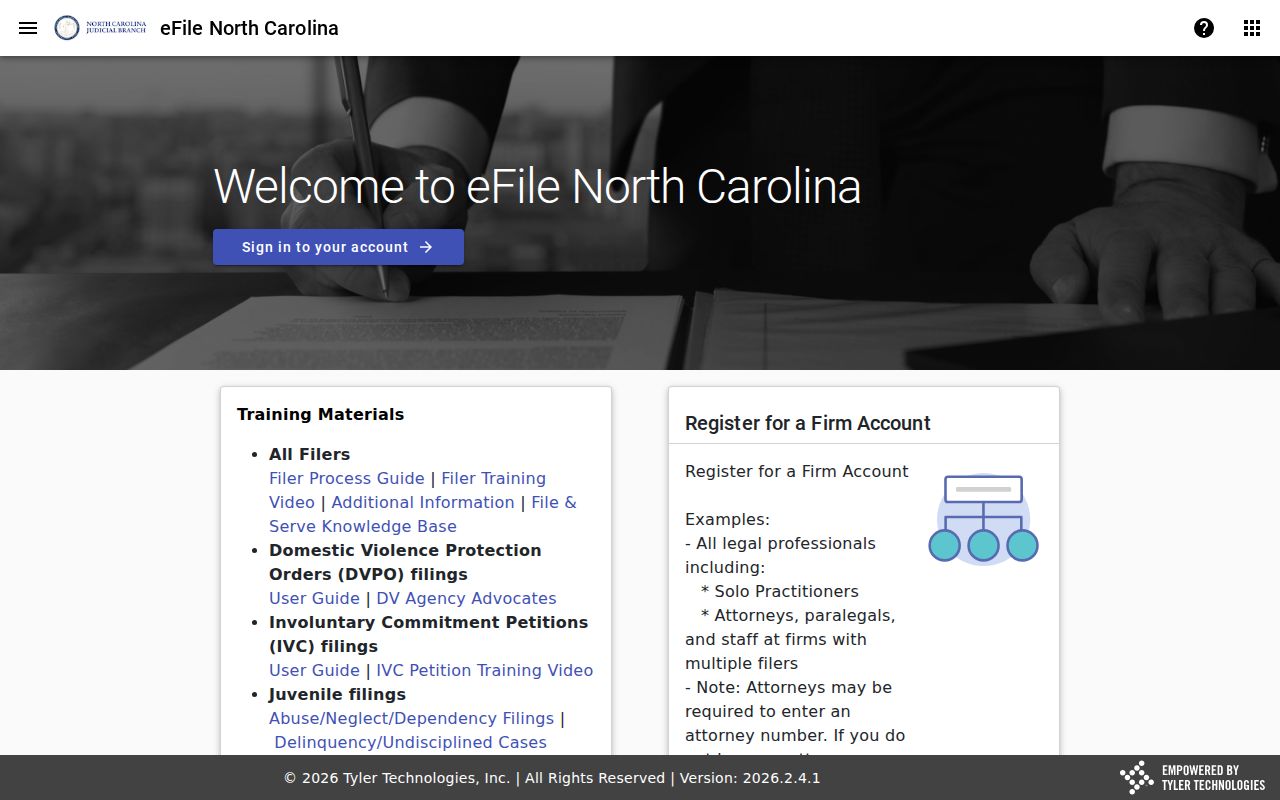
File & Serve handles filing; the Portal handles public search and viewing. A Portal search gives a public visitor no way to upload a filing. Nor does it replace a Clerk request for a copy or certification.
What a Case Search Shows
A public Watauga County Case Summary can display case information, assignment, events, hearings, disposition, and financial information where applicable. Think of it as an event index. It does not promise that every document behind each entry can be downloaded remotely. An entry may show a motion was filed or a hearing occurred, yet the document, notice, transcript, exhibit, or recording behind it follows separate access rules.
| Case Number | The Portal identifier for the matter, displayed in the structured North Carolina eCourts format when available. |
|---|---|
| Location and Assignment | The court location and assignment information that helps distinguish the Watauga County matter from another county case. |
| Case Type and Status | The administrative category and current displayed status. Terms such as pending, disposed, appealed, or remanded need the event history for context. |
| Events and Hearings | The public procedural history and scheduled hearing information that the interface makes available, subject to restrictions. |
| Disposition and Financial Information | Outcome and financial fields where applicable. A visible field does not establish that every related document is public or remotely available. |
Note: Before describing where a public matter stands procedurally, compare its status, disposition, and the most recent Watauga County case events.
Watauga County Search Hearings
Search Hearings is the right tool for one job. Use it when you only need to confirm a scheduled Watauga County hearing. The Portal asks for a location and a hearing type. You also pick a search type and set From/To dates. Depending on that choice, the query can run on a case number. It can also use a party name, a business name, an attorney, an attorney bar number, a judicial officer, or a courtroom.
A hearing result gives you scheduling context plus a link to the related case information. All of it is subject to the current interface and access rules. It will not tell you whether the hearing is virtual or in person. For that, check the official Watauga County notice or call the court. Then use Smart Search or the Case Summary to review the court docket events behind the hearing date.
Watauga County Judgment and Payment Searches
The Portal landing page keeps NC Judgment Search and Make Payments separate from Smart Search. NC Judgment Search works like an index. You can query it by party name or case number. Then filter by case type, status, location, and judgment date. Its output may include a case number. It may also list a disposition, index date or time, parties, and judgment comments. It still does not replace reading the Case Summary and the events that follow.
Make Payments is a different animal. It locates an eligible Watauga County court obligation. It then walks you to payment, though eligibility and processing fees vary. Paying is not proof of final case status, and it does not replace court instructions. For Watauga County case lookup of events, stick with Smart Search or the Case Summary. For dates, use Search Hearings.
County vs Statewide Case Search
Watauga County has no case portal of its own. The North Carolina eCourts Portal is the statewide system. It is also the public online route for eligible Watauga County case information. So "county" searching really means setting a Watauga location filter. It can also mean walking into the local Clerk's office. Knowing that saves you a hunt for a county database that does not exist.
| Statewide eCourts Portal | Watauga County Route |
|---|---|
| One statewide public Portal for searches, hearing searches, eligible payments, and the judgment index. | The same Portal narrowed to Watauga when a notice or case details identify the county. |
| Smart Search supports case number or party searches with advanced filters. | The Watauga Clerk supplies public terminal access and records assistance for public local matters. |
| Useful when the court location is unknown or another North Carolina county may be involved. | Use when the document identifies Watauga County; do not infer county from a town name alone. |
The local route still matters. When a public case needs terminal review, a copy, a certification, or an explanation for a restricted result, the Watauga County Clerk is the place to go. The Portal and the Clerk serve different access functions within one statewide court system.
Watauga County Clerk Terminal Access
Need more than the online docket shows? The Watauga Clerk of Superior Court keeps the case records for both trial divisions. Clerks across the state must offer public self-service terminals. So walk in and use one at the Watauga County courthouse. Ask the Clerk about copies of any public court record too. Fees and some limits apply.
One boundary matters here. The NCAOC public-record request page spells out what you can and cannot get from local court records. It is worth a look before you ask the Clerk for a docket search or copies.
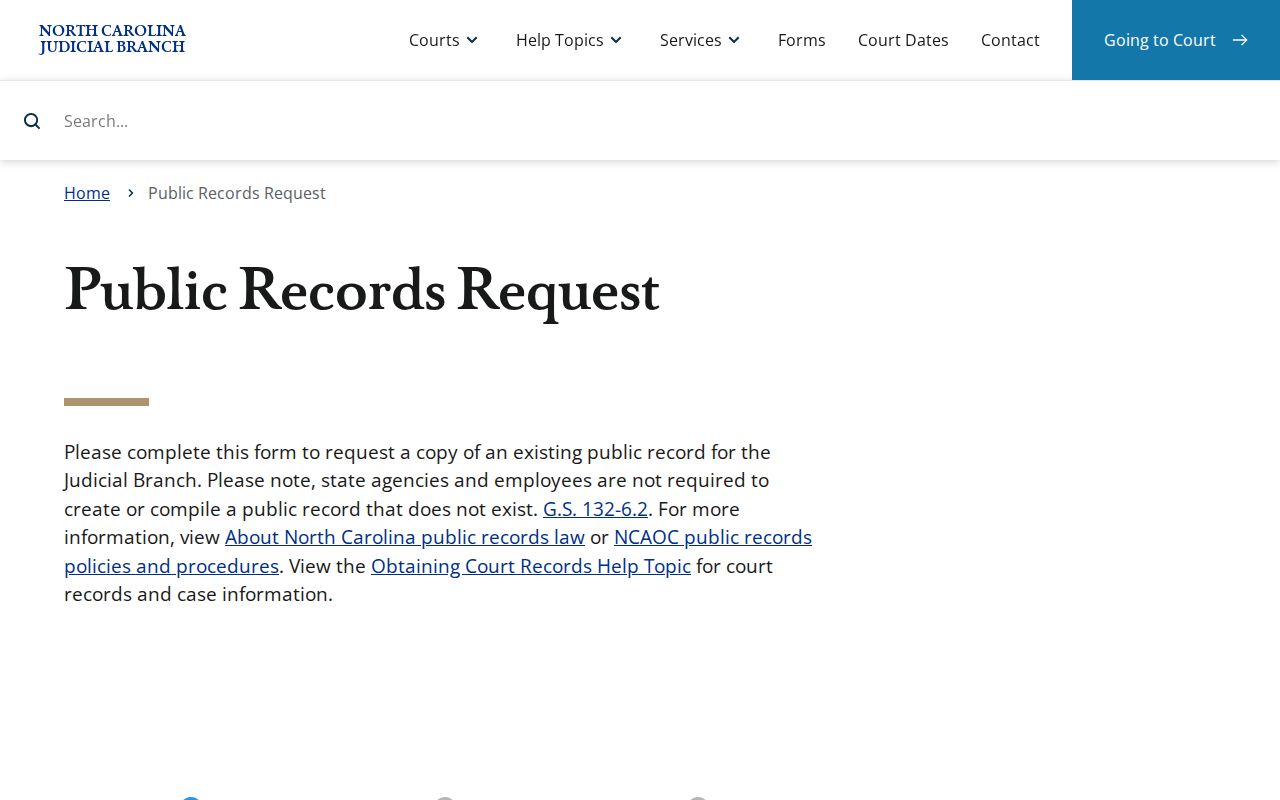
The Administrative Office of the Courts does not hold Watauga case files. That covers civil, criminal, estate, special proceeding, and traffic cases. For an existing county record, contact the Clerk directly. Give the case number, the document name, and a date range. Do this rather than sending an administrative public-record request.
For current local service and visit details, see the Watauga County court location page and the Watauga County Courthouse page. The Clerk can confirm how many terminals exist and where they sit. The Clerk can also explain how terminal access compares with remote access. So ask before a planned visit.
Restricted Cases and Access Rules
Public access in Watauga County has limits. N.C. Gen. Stat. § 7B-3000 bars public inspection of juvenile records except as authorized. State court guidance also flags confidential juvenile matters. Involuntary-commitment matters, sealed cases, and expunged cases are restricted as well. Keep this in mind: a missing Portal result does not prove no case exists.
Expunction is not a dismissal, an acquittal, or a plea. It is not a pending case either. Nor is it a personal claim that an event never happened. N.C. Gen. Stat. § 15A-151 governs expunction confidentiality. Portal guidance confirms sealed and expunged records stay out of public access. Public information also masks date of birth, so do not republish sensitive personal details.
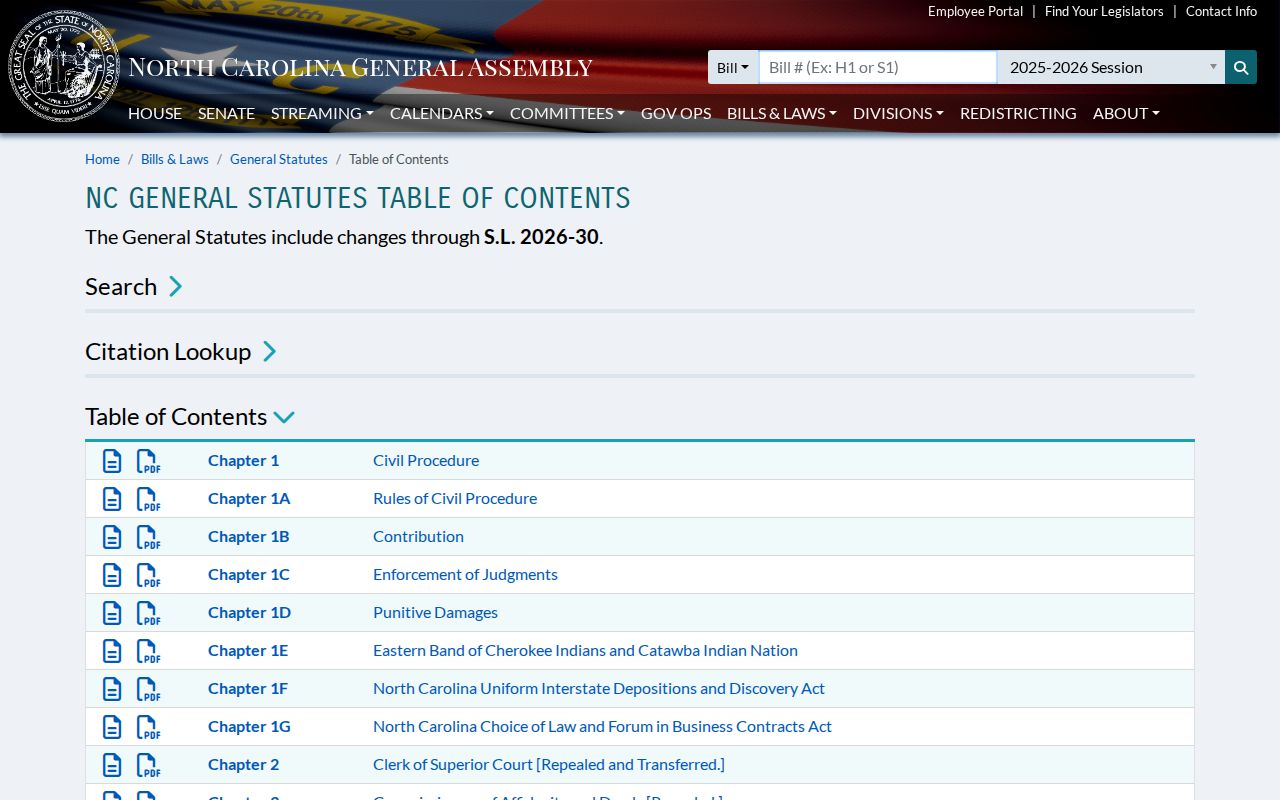
The North Carolina General Statutes table of contents organizes the chapters behind these rules.
If a public record will not come up, check your spelling, case-number format, date range, and county first. When access is restricted or unclear, ask the Clerk about the proper process or consult qualified counsel. Never try to bypass a restriction through alternate searches.